
v0.10.148.0 MBWindows 10 / 11 (64-bit)
Every platform.
One account.
Set up in
three steps.
- 1
Install on your PC
Your gaming rig or work machine becomes the host.
- 2
Sign in on both devices
Same skyPC account, or sign in with Google.
- 3
Connect from anywhere
Pick your PC on a Mac, an Android phone or the web.
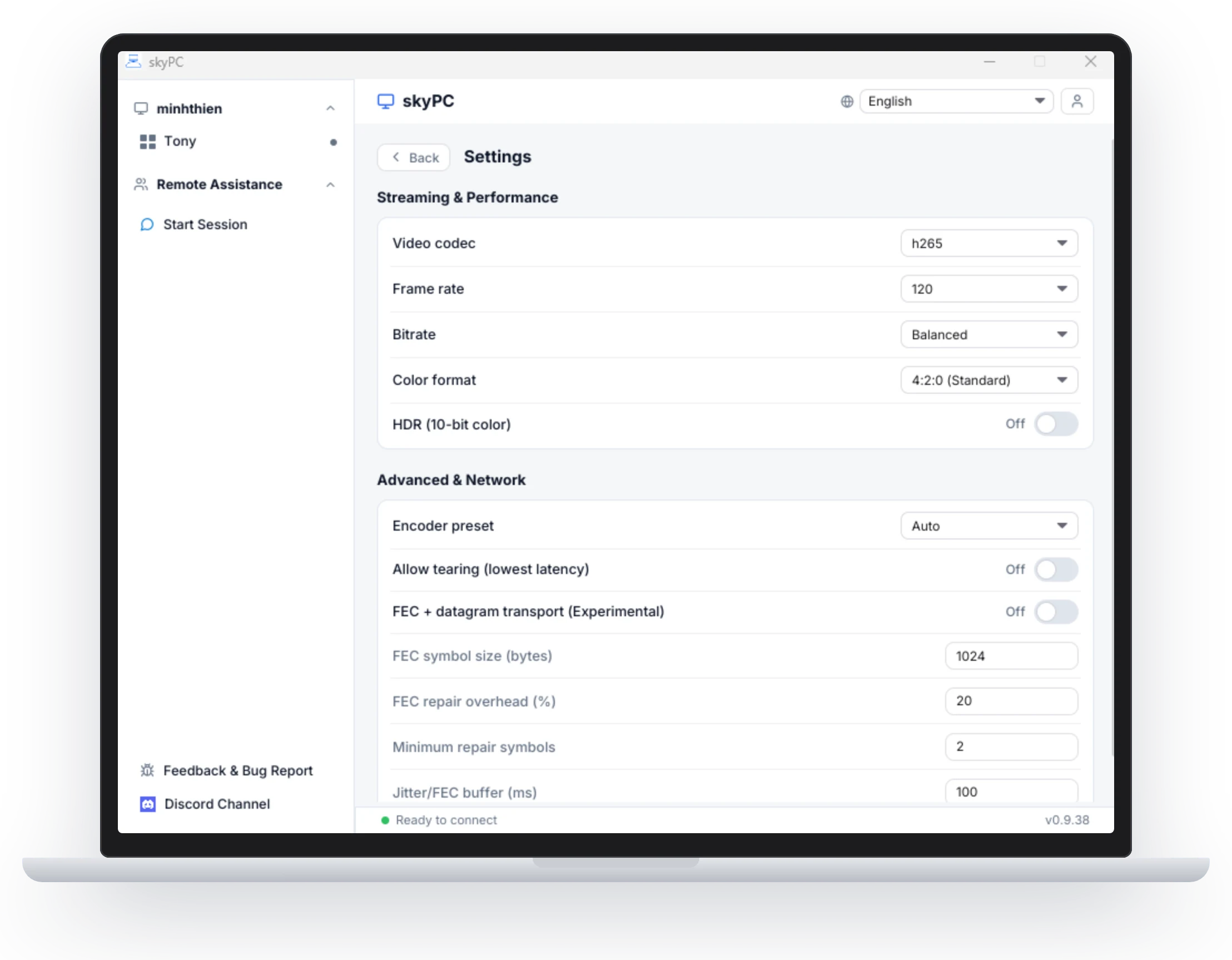
What your network needs.
Ping and packet loss matter more than raw speed. Plug in with Ethernet, or use 5 GHz or Wi-Fi 6.
5-10
Mbps for 1080p at 60 Hz
15-30
Mbps for 1440p
35-70
Mbps for 4K at high refresh
<30 ms
ping, under 0.5% packet loss
Linux is next.
Ubuntu, Debian, Fedora (.deb / .rpm)
Ready when
you are.
Latest release v0.10.1