High performance
remote desktop.

Connect to your Work and Games from anywhere

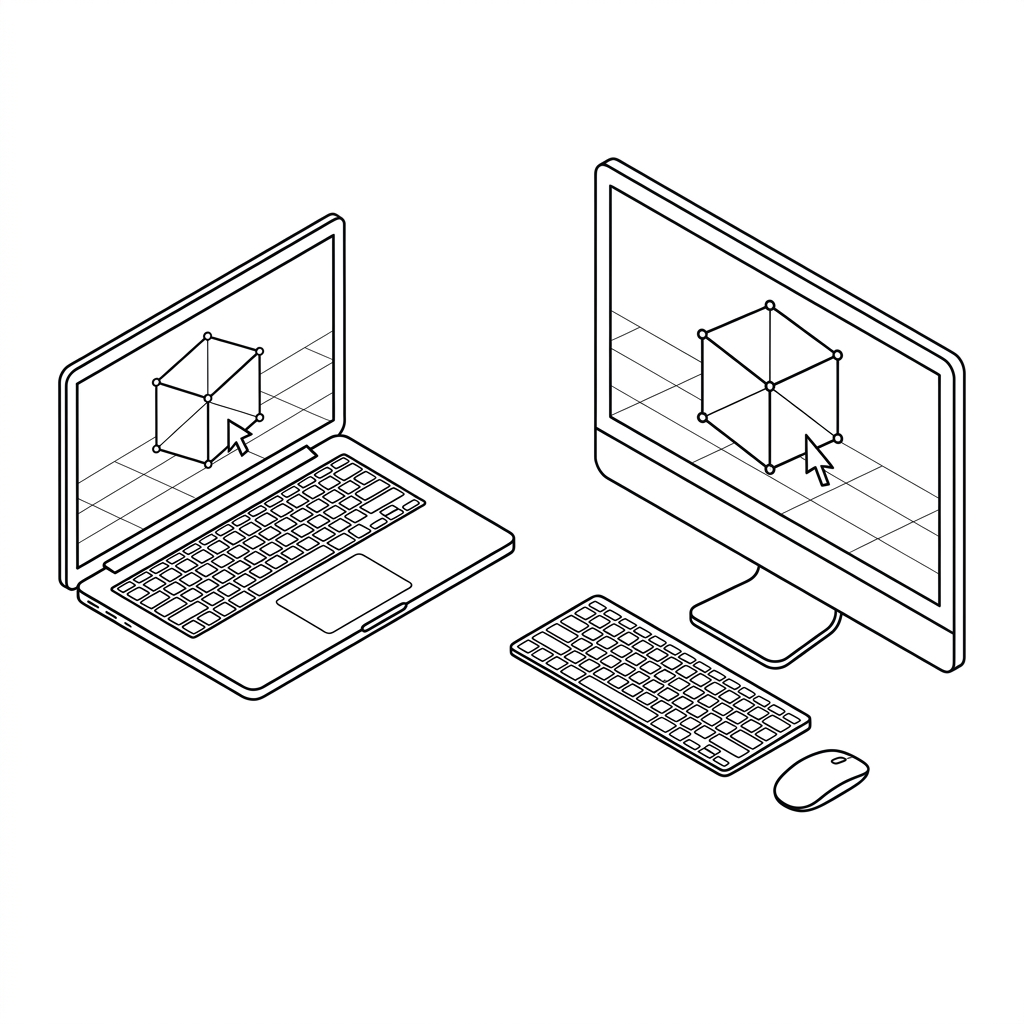
Remote desktop illustration
For Companies

Enterprise-grade management

Streamline your workforce with granular controls and centralized workstation provisioning.

Machine management

Assign workstations to individuals or shared pools. See live status or reassign in one click.

WKSTN-DEV-04
Design team • Nguyen Van A
Online
WKSTN-ENG-11
Engineering • Tran Thi B
Online
WKSTN-MKT-02
Marketing • Unassigned
Idle

Team management

Create teams, assign roles, and map users to workstation pools.

NA
Nguyen Van A
Admin
TB
Tran Thi B
Member
LC
Le Van C
Member

Access control

Set who connects to which machine, when, and how with granular policies.

File transferAllowed
Clipboard syncAllowed
Screen recordingBlocked
USB passthroughRestricted
For Gaming

The ultimate streaming engine

Built from the ground up for zero-latency, high-fidelity competitive gameplay.

4K up to 160fps

Crystal clear visuals and buttery smooth framerates for competitive and AAA gaming.

4K

Ultra low latency

Sub-10ms peer-to-peer connection feels like you are sitting right in front of the PC.

0ms

Native controller

Plug and play Xbox, PlayStation, and generic gamepads with full rumble support.

PRO

skyPC Core Features

Everything you need for an uncompromised remote experience.

Performance

Latency

Ultra-low latency, in milliseconds.

Quality

4K 240FPS

Remote control

Microphone

The microphone of the local side can be used by the remote side.

Webcam

The camera of the local side can be used by the remote side.

Remote audio

Transmit audio from the remote side.

Remote cursor

Show the remote cursor on the local side in real time, with smooth, lag-free movement.

Cursor Lock

Relative mouse input, essential for FPS games and 3D/CAD.

Unattended Access

Connect to the remote computer anytime, without anyone present to accept the session.

Share clipboard

Copy and paste text, images and files between the local and remote side.

File Transfer

Supports high-speed, direct file transfers between devices.

Security

Security

256 bit AES End-to-End Encryption.

Advanced features

Virtual display

Remote side no need to have monitor.

Client display adaptive

Automatically match the resolution & refresh rate of client display.

YUV 4:4:4 subsampling

True color.

HDR video

Wider color gamut and higher contrast, with brighter highlights and deeper shadows (requires HDR display).

Gaming controller

Support full features of DualSense.

Drawing tablet support

Pressure & tilt sensitive Wacom tablet support.

USB Forwarding

USB of the local side can be used by the remote side.

High performance relay

High speed server for the best experience.

Management

Individual mode

Personal dashboard to manage your own computers, sessions and settings.

Organization mode

Central admin console to manage users, billing and policies across the organization.

Team managed groups

Admins create user groups and assign roles and access permissions.

Team managed computers

Admins group, assign and control company computers, with access granted per user or group.

Frequently Asked Questions

Everything you need to know about skyPC.

Questions & Answers12 questions
skyPC is a next-generation remote desktop platform engineered from scratch by Sub2S, purpose-built for high-performance workloads such as AAA gaming, 3D rendering, video post-production, and professional remote workstations. Unlike legacy office remote tools that cap at 30-60 FPS with sluggish latency and washed-out compression, skyPC utilizes modern QUIC/UDP network architecture combined with a GPU-level Virtual Display Driver (DirectCapture). This achieves sub-5ms processing latency, up to 240 FPS frame rates, and pixel-accurate YUV 4:4:4 color precision.
Yes, absolutely. skyPC is architected to harness the full hardware acceleration capabilities of modern GPUs from NVIDIA (NVENC), AMD (AMF), Intel (QuickSync), and Apple Silicon. The engine delivers silky-smooth streaming from 1080p, 1440p up to 4K at 120Hz, 144Hz, 165Hz, and up to 240Hz. Real-time Adaptive Bitrate technology continuously monitors network conditions to sustain steady frame rates without stuttering or screen tearing.
No configuration is required. skyPC establishes direct Peer-to-Peer (P2P) connections between your devices using cutting-edge STUN/TURN/ICE traversal protocols without requiring router changes, open ports, or complex VPN setups. In strict corporate environments or mobile networks with Symmetric NAT that block direct P2P, traffic is automatically and seamlessly routed through our globally distributed relay network with optimized routing, guaranteeing 100% connection reliability.
skyPC places no arbitrary limits on monitor count. You can stream all existing physical displays connected to the host machine, or spawn independent Virtual Displays custom-matched to your client device's exact resolution and aspect ratio (including 21:9 Ultra-wide or vertical monitors). Displays can be viewed in a single unified interface or detached into separate native windows on multiple client screens with zero synchronization drift.
Bandwidth requirements scale with your display resolution and target framerate: • General productivity and coding (1080p 60Hz): 5 – 10 Mbps. • High-fidelity design and video editing (1440p 60-120Hz): 15 – 30 Mbps. • Competitive gaming and 4K ultra-smooth playback (4K 120-240Hz): 35 – 70 Mbps. For the best instantaneous responsiveness, network stability is key: sub-30ms ping and packet loss under 0.5% ensure a zero-lag experience indistinguishable from sitting directly in front of the host PC. A wired Ethernet connection or a 5GHz / Wi-Fi 6 wireless network is recommended.
Yes, and this is one of skyPC's core superpowers. You never need to purchase HDMI dummy plugs or hardware emulators. skyPC's proprietary Virtual Display Driver automatically provisions virtual monitors in software whenever no physical display is detected, providing full hardware GPU 3D acceleration and custom resolution/refresh rate controls with zero hardware accessories.
skyPC delivers complete cross-platform coverage: • Host: Full support for Windows 10/11 (64-bit), major Linux distributions (Ubuntu, Debian, Fedora), and macOS (optimized for Apple Silicon M-series and Intel). • Client: Native desktop clients for Windows, macOS, and Linux offer the lowest latency and complete peripheral forwarding. Additionally, you can connect directly through modern web browsers (Chrome, Edge, Safari, Brave, Firefox) without installing software, powered by WebAssembly and WebCodecs.
All video, audio, and peripheral control streams are protected with military-grade AES-256-GCM End-to-End Encryption with key exchange over ECDH. skyPC servers only manage authentication and session signaling; they never store, decrypt, or observe your screen contents or input data. Additional security measures include custom access PINs and optional Two-Factor Authentication (2FA).
skyPC supports comprehensive native hardware passthrough: • Gamepads: Native recognition for Xbox (Series X/S, One) and PlayStation (DualSense, DualShock 4 with gyro and haptic vibration feedback), along with XInput and DirectInput controllers. • Graphics Tablets & Styluses: Full pressure sensitivity and tilt support for digital artists using Wacom, iPads, or graphic tablets. • USB Passthrough: Seamlessly share USB flash drives, dongles, and hardware security keys between local and remote environments.
skyPC utilizes high-fidelity Opus audio streaming sampled at 48kHz, providing studio-grade clarity with sub-10ms delivery latency. It supports stereo audio and multi-channel 5.1/7.1 surround sound. Furthermore, bi-directional microphone passthrough allows you to speak through your client microphone into Discord, Zoom, Google Meet, or in-game voice chats running on the host PC effortlessly.
skyPC provides real-time bi-directional clipboard synchronization for plain text, rich text, and images. For files, simply drag and drop files or folders directly into the session window. Files transfer directly across high-speed P2P channels utilizing your local or internet bandwidth, with no arbitrary file size caps and zero intermediate cloud storage.
skyPC offers a permanent Free Personal plan with full access to essential features: 60 FPS streaming, high-quality audio, gamepad support, and virtual displays. For demanding professionals (Pro) requiring 4K 120-240Hz, YUV 4:4:4 color accuracy, and unrestricted multi-monitor configurations, or teams and organizations (Enterprise) needing central workstation management, user group permissions, and auditing policies, skyPC provides flexible monthly and annual plans tailored to your scale.