
High performanceremote desktop.
Your work and games from anywhere. 4K, up to 240 FPS, ultra low latency.
Your PC stays where it is. You take it everywhere: the frames, the input feel, the files, the controller in your hands.
240
frames per second, up to 4K
<10 ms
peer to peer latency
4:4:4
full color for crisp text
256
bit AES, end to end
Remote,
low latency.
Open your desktop on any laptop and keep working like you are sitting in front of it. Every click and keystroke lands in milliseconds.
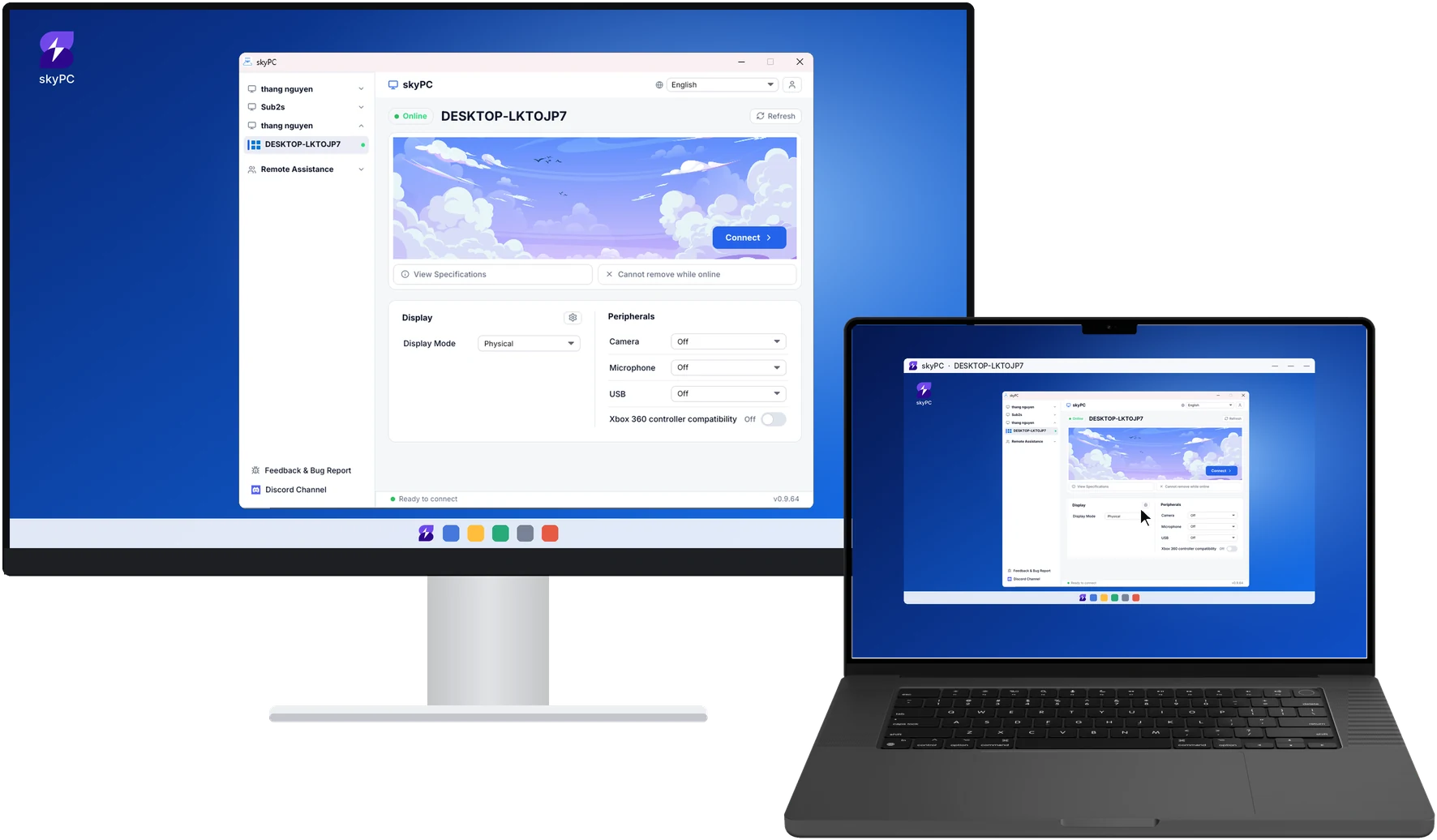
Connected
in under a minute.
- 1
Install on your PC
Your gaming rig or work machine becomes the host.
- 2
Sign in on both sides
Same skyPC account, or sign in with Google.
- 3
Pick your PC
From a Mac, an Android phone or any browser.
Built for
One app, tuned for the way you use your PC.
Gaming
Play your own library on a laptop, TV or phone. DualSense haptics, cursor lock, HDR.
Creative work
Render and edit on the studio machine. Drawing tablets, 4:4:4 color, files both ways.
IT and teams
Assign machines, group people and decide who connects where, from one console.
At the desk,
from anywhere.
Every GPU
NVIDIA, AMD, Intel and Apple Silicon, with software fallback.
Native controllers
Xbox, PlayStation and full DualSense haptics.
Virtual displays
Any resolution, even with no monitor attached.
HDR and 4:4:4
10-bit color and full chroma for sharp text.
Files and clipboard
Drag folders across, copy text and images both ways.
USB forwarding
Webcams, drawing tablets and USB audio.
No VPN needed
Peer to peer, with a fast relay on strict networks.
Audio and mic
48 kHz Opus, up to 7.1, with two-way microphone.
AES-256
Private by default. Your screen and files travel straight between your devices.
End to end encryption
AES-256-GCM with ECDH key exchange on every stream.
Signaling only
Our servers set up the connection, nothing else.
Two-factor sign in
Add a second factor to any account.
Runs where
you are.
Windows
Host & remote control
macOS
Remote control only (Client)
Android
Control from phone & tablet
Web
Use in browser, no install needed.
Linux
Host & remote control
Latest release · 2026-11-22
0.11.0
What’s new since 0.10.1
- Hosts now take sessions only through skyPC sign-in.
- A host renews its verification code after each session it opened, and shows the new one once the session ends.
Questions
More answers in the user guide · Discord
Your PC,
anywhere.
Leave your PC where it is. Take your work and games with you on a laptop, phone or browser.
Free for personal use